 Slice Sort
Fill the rings. Clear the pie.
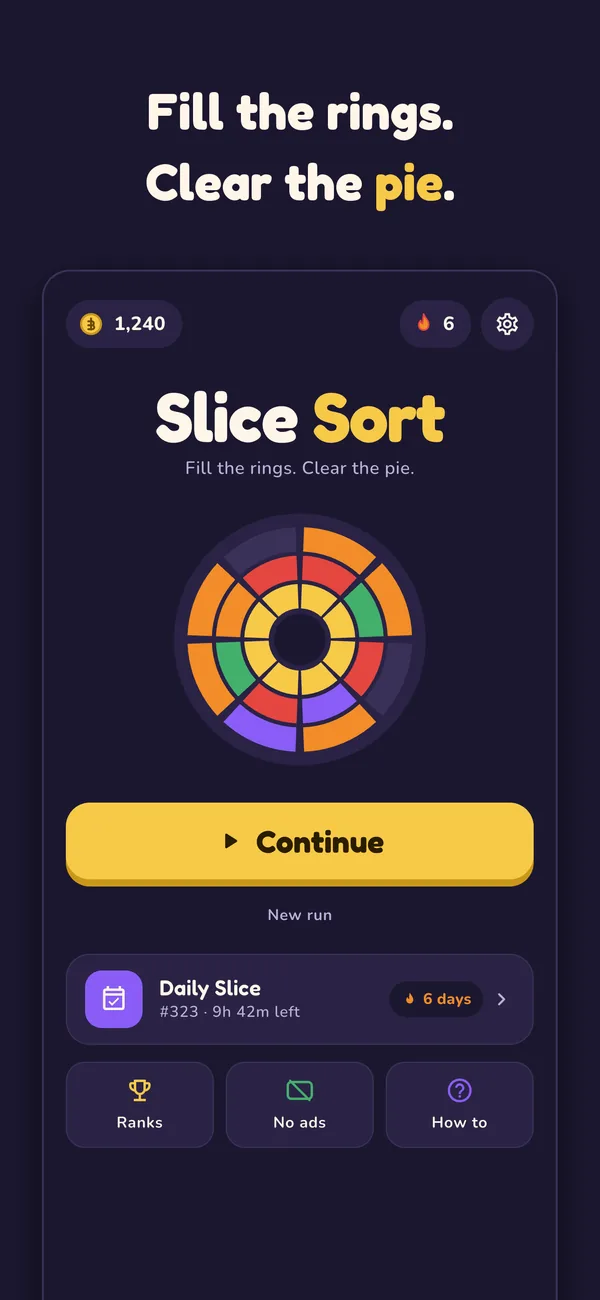
Drag slices onto a round board, fill a ring or a wedge to clear it, and chain combos. Free for iPhone and Android.
How it plays
A round board of 3 rings and 8 wedges, and a tray of slices to place. Simple to start, easy to get hooked
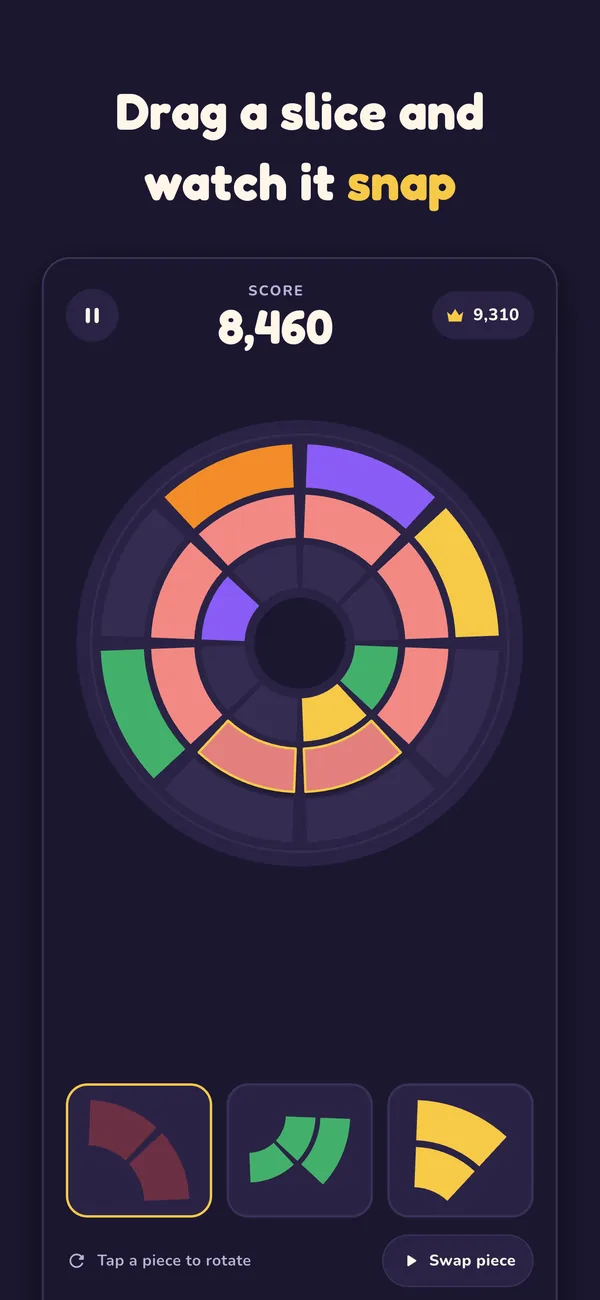
Drag slices onto the board
Place each piece where it fits. Tap a piece to rotate it first.
Fill a ring or a wedge
Complete a whole ring, or a wedge from the centre to the crust, and it clears. Combos multiply your score.
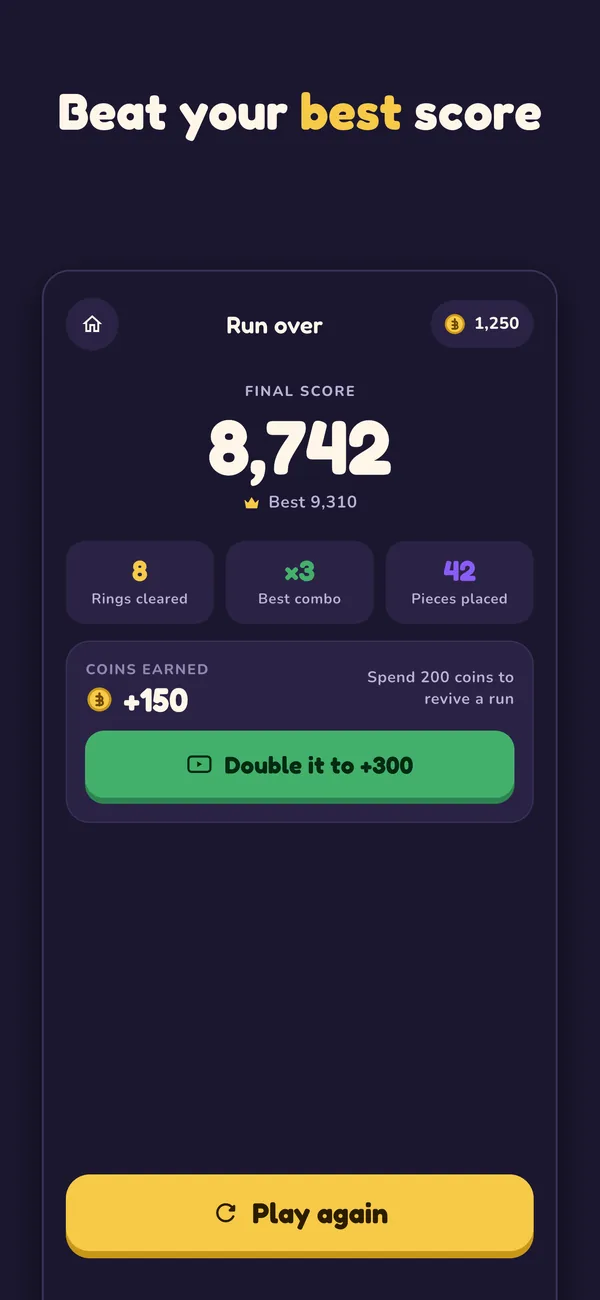
Beat your best score
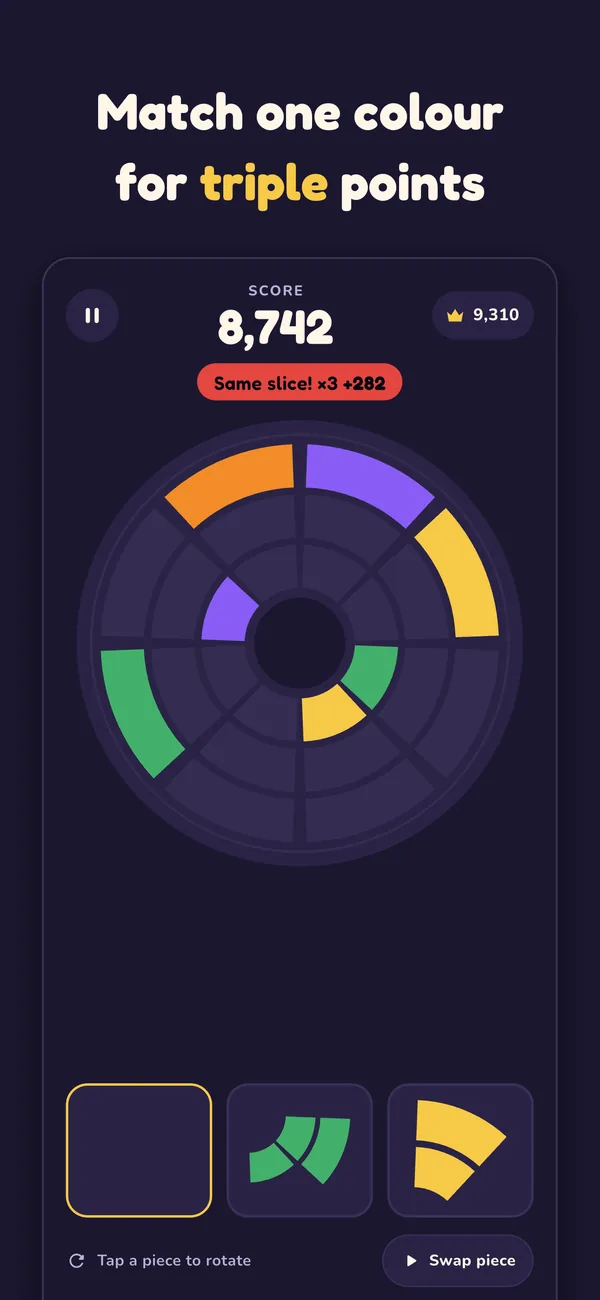
A ring or wedge of a single colour scores triple. Out of moves? Revive once per run by watching an optional ad.
A closer look
Five screens from the game
Scroll sideways to see them all
What is in the game
One puzzle, a daily reason to come back, and no connection required
Round board, three rings
Eight wedges per ring, so every clear is a ring or a wedge from centre to crust
Combos multiply
Chain clears and each one is worth more than the last
Same-colour triple
Fill a ring or wedge in one colour and it scores triple
Tap to rotate
Turn any piece before you place it
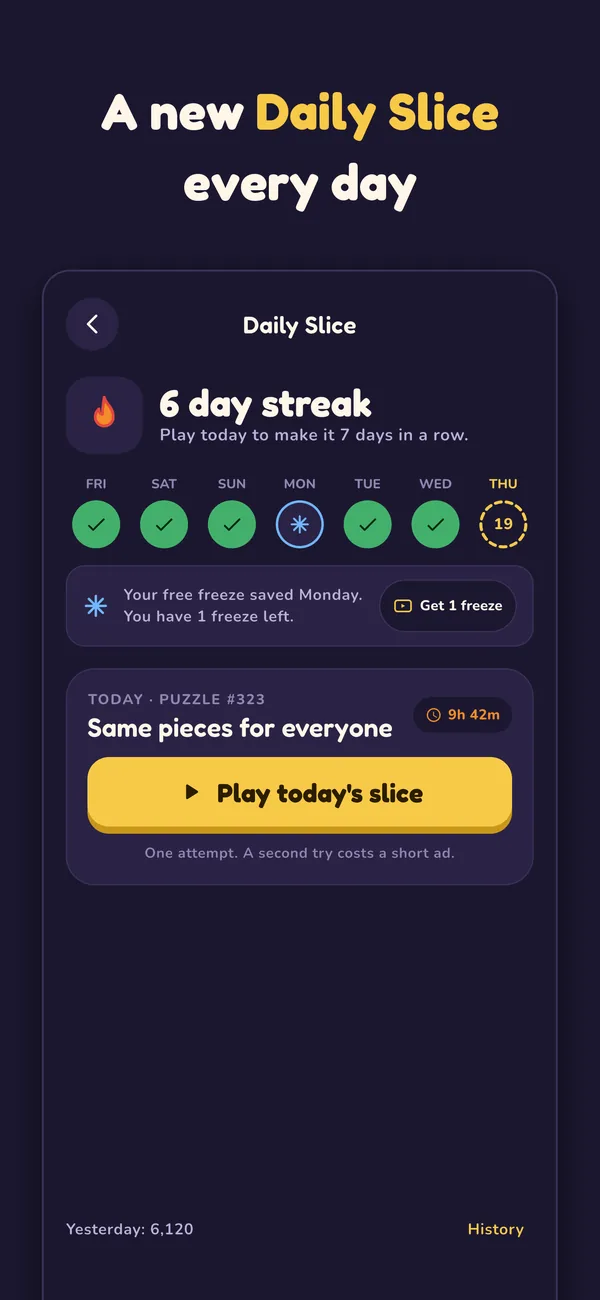
Daily Slice
The same pieces for everyone each day, with streaks and streak freezes
Leaderboards
Game Center on iOS and Google Play Games on Android
Revive once per run
Watch an optional ad to keep a finished run going
Plays offline
No connection needed to play
Free, with ads, and your choice
Slice Sort is paid for by ads. Here is how that works
Where the ads are
- Between runs and on menus. Full-screen ads between runs, banners on menus, an app-open ad and a native ad on the results screen.
- Rewarded ads are optional. You only watch one if you choose to, for example to revive a run.
Ways to remove them
- Remove Ads. A one-time in-app purchase.
- Pizzeria Pass. An optional monthly subscription: no ads, daily coins and a weekly streak freeze.
- Restore any time. Settings, then Restore purchases.
Questions
Is Slice Sort free?
Yes. It is free to play and supported by ads. A one-time Remove Ads purchase takes the ads away, and an optional monthly subscription, Pizzeria Pass, does the same and adds more.
What is Pizzeria Pass?
An optional monthly subscription with no ads, daily coins and a weekly streak freeze. It renews automatically until you cancel it in your Apple or Google account settings.
How do I get my purchases back on a new phone?
Open Settings in the game and choose Restore purchases, signed in to the same Apple or Google account you bought with. Purchases cannot move between iPhone and Android, because the stores are separate.
Do I need an internet connection?
No. Slice Sort plays offline. Ads and leaderboards need a connection.
What is a streak freeze?
If you miss a day of Daily Slice, a streak freeze keeps your streak alive.
Why does the iPhone version ask about tracking?
Apple requires apps to ask before using your advertising identifier. The game plays the same whichever answer you give, and declining still shows ads, just not personalised ones.
Details are in the privacy policy.